 BoothDesigner
Your customers design their photo booth layout themselves.
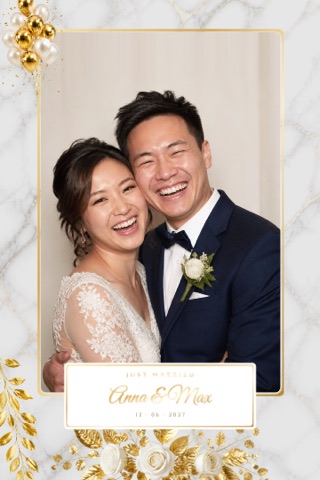
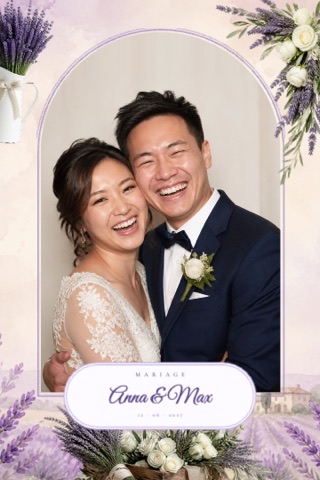
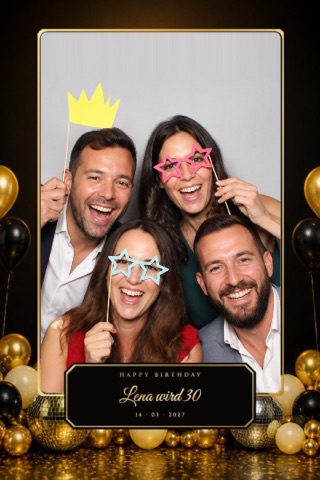
Over 240 photo booth layouts and templates for weddings, birthdays, christenings, company parties and more – right on your website, with your logo. The couple enters their names and the date, adjusts the photo layout and sends it off. You transfer it to the photo booth with one click – or as a PNG template into dslrBooth, Breeze and any other photo booth software.
No payment details · cancel monthly · data in Germany
🎁 Prize wheel: win up to 1 year free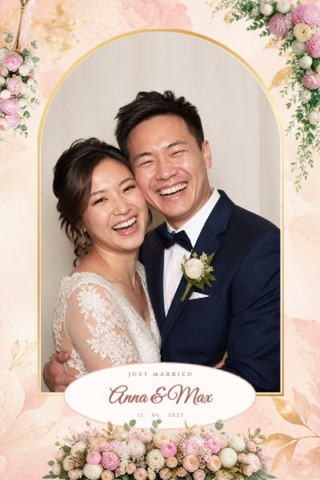
It's that easy
Your customers become BoothDesigners – you set it up once, then it runs on its own, even at night and at weekends.
Add it to your website
Upload your logo, choose a colour and designs, copy the embed code into your website – or simply put the link in your booking confirmation.Customers design it themselves
Choose a design, enter names and date, adjust texts, colours and photo shapes. Works just as well on a phone as on a computer.Send it off – done
You get an e-mail with a preview. In the dashboard you add the design to your event as a photo layout with one click – print-ready at 300 dpi.BoothDesigner explained in 2 minutes
With sound – in German, English, Turkish, French, Spanish and Italian.
Over 240 photo booth templates – every layout in every format
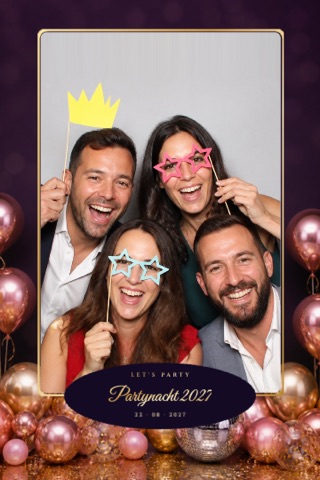
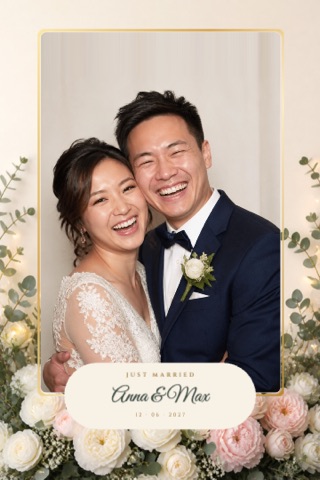
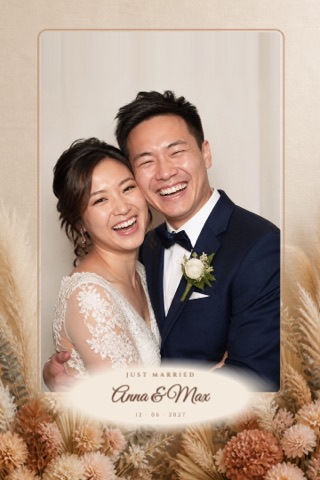
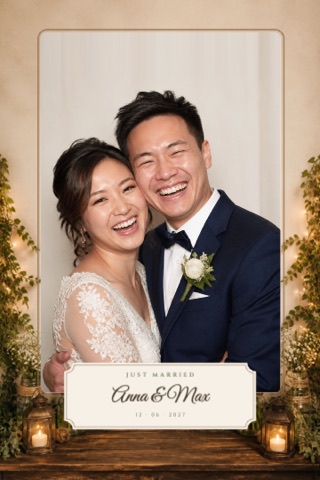
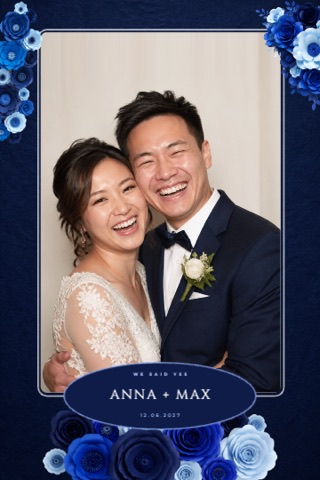
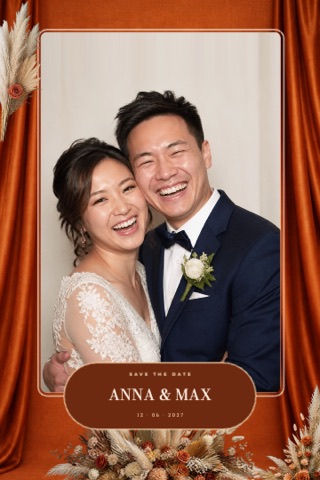
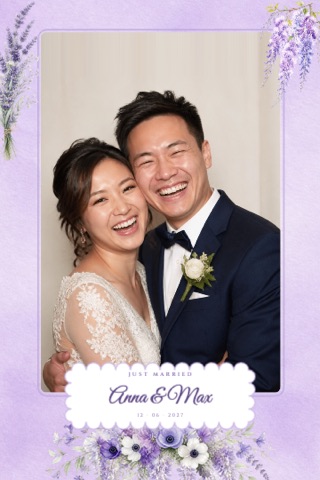
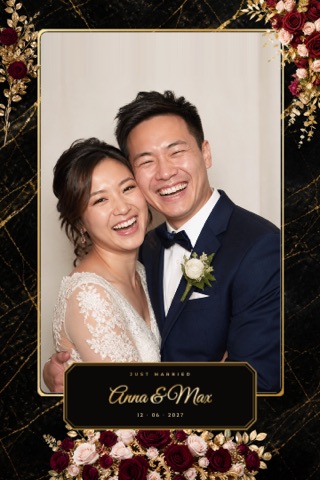
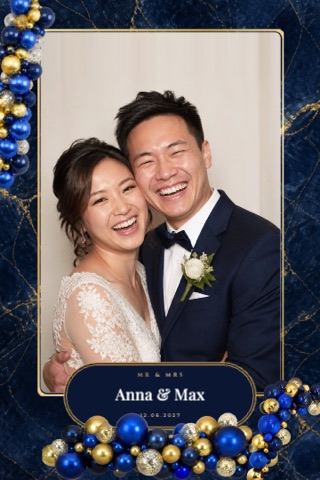
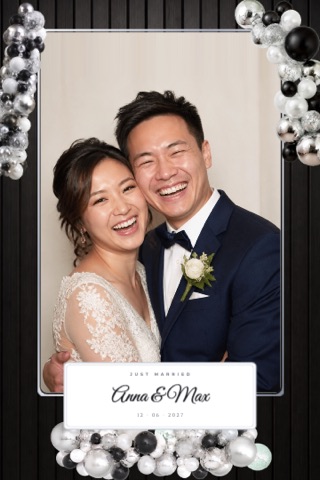
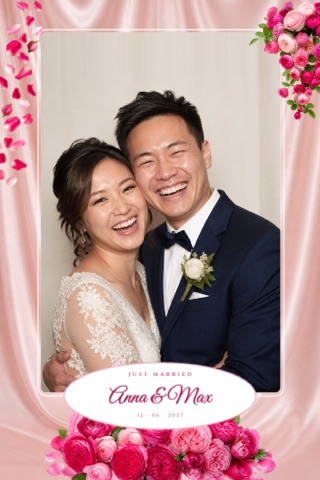
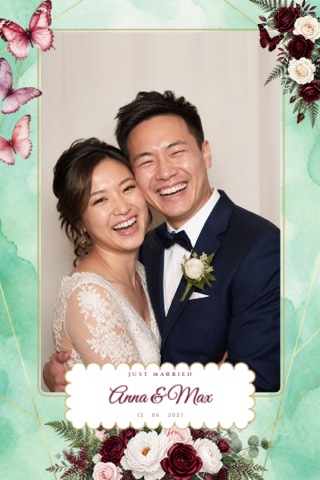
Photo strips 2×6, 4×6 portrait, 6×4 landscape, 5×5, magazine covers and matching start screens. Photo fields as arch, oval, capsule, vintage or Art Deco corners.
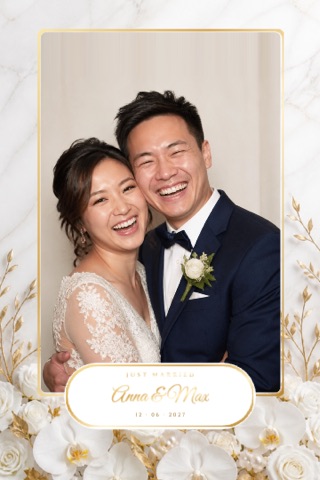
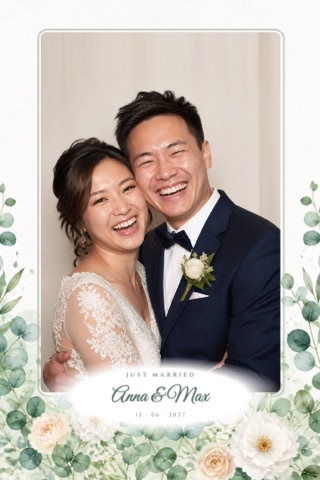
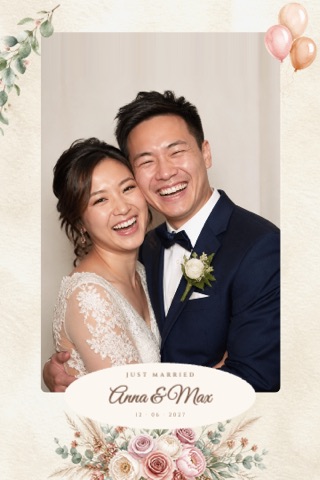
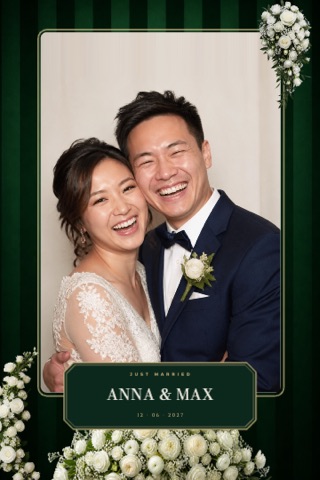
Everything you need
So your customers are thrilled and you have less work.
Your name, your logo
The studio appears in your colours on your website. Your customers only see you.
Less back-and-forth
No more e-mails with names, dates and colour requests – the design reaches you ready to go.
More revenue
Sell the personalised layout as an extra or use it as a selling point for your premium package.
Straight into the photo booth
With the photo booth software Photobox Memories you transfer every submission into the event with one click.
Also as a file
Print template as a transparent PNG overlay for dslrBooth, Breeze, Sparkbooth and any other photo booth software.
New designs all the time
New designs for occasions and seasons are added all the time – at no extra cost.
On your website in 5 minutes
No coding skills needed. Simply choose how your customers get to the studio.
Set up studio
Sign up for free and enter your name, logo, colour and the categories you offer in My BoothDesigner.Share the link
Send the link to your studio via WhatsApp, e-mail or in the booking confirmation – done.Embed on your website
Click “Copy code” in My BoothDesigner and paste the code into your website as an HTML block.Design it yourself
When logged in, you can also create your own templates in the studio and download them as PNG.Create a photo booth layout – with templates instead of Photoshop
A good photo booth layout is the first thing guests see on their photo strip. With BoothDesigner your customers create their photo layout themselves: they pick a template, enter names and date and adjust colours, fonts and photo frames. The result is a print-ready layout template at 300 dpi.
There are photo booth templates for every occasion – from weddings, birthdays, christenings and hen parties to company and Christmas parties. Every photo booth layout works as a 2×6 photo strip, as a 4×6 photo layout in portrait or landscape, square 5×5 and as a magazine cover. For other photo booth software you get the layout as a PNG template with transparent photo areas.
Spin the prize wheel
For new customers: spin once and win a discount on your BoothDesigner subscription – from 10% up to a whole year free.
Pricing
All designs, all formats, unlimited submissions. Try it free for 14 days, no payment details needed.
- Over 240 templates in all formats
- With your logo and your colours
- Submissions by e-mail and in the dashboard
- Cancel monthly
- Everything in monthly
- For a whole year
- Ideal for the wedding season
Prices plus statutory VAT. For businesses only. Cancel at any time in the dashboard, effective at the end of the billing period. Subject to our Terms & conditions.
GDPR-compliant privacy – without the headache
In the studio, your customers only enter what you need for the job. Their data is stored on servers in Germany.
Frequently asked questions
How do I add the studio to my website?
In the dashboard you get a link and an embed code. You paste the code into any website (WordPress, Wix, Jimdo, Shopware …). Example:
Do I need the Photobox Memories photo booth software?
No. You can download every submission as a print-ready PNG with transparent photo fields and use it as an overlay in dslrBooth, Breeze Booth, Sparkbooth or any other photo booth software. With Photobox Memories the transfer takes just one click.
Can my customers download the designs themselves?
Not by default – they send the design to you. If you like, you can enable downloads in the dashboard.
Who owns the designs?
The designs are part of the subscription. You may use them for your photo booth jobs as long as your subscription is active. Reselling the design files as your own templates is not permitted.
What happens after the trial?
The trial ends automatically after 14 days. You then decide in the dashboard whether to continue monthly or yearly. There are no costs if you don't book anything.
Which occasions are there photo booth templates for?
For weddings, birthdays, parties, summer parties, graduations and school starts, hen and stag parties, baby showers, christenings, communions and confirmations, company parties, Christmas and winter as well as New Year's Eve, Halloween, carnival and Easter. Over 240 photo booth layouts in total – and new ones are added all the time.
Which formats and print sizes are available?
Every design comes as a 2×6 inch photo strip, 4×6 portrait, 6×4 landscape, 5×5 square and as a magazine cover – print-ready at 300 dpi, with a matching start screen for the photo booth.
How do I create a photo booth layout?
Choose a template, enter names and date, adjust colours and fonts – done. The photo booth layout is created right in the browser, on a phone or computer, and saved as a print-ready template at 300 dpi. With the Photobox Memories software, the layout lands in the event with one click.
What is a photo booth template?
A photo booth template is the layout into which the photo booth places the guests' photos – with background, decoration, texts and photo areas. BoothDesigner has over 240 templates that your customers customise themselves.